
When planning a new mobile application, one of the first decisions is whether to launch on iOS, Android, or both platforms at the same time.
There is no universal answer. The right choice depends on your target users, budget, business model, required features, development timeline, and long-term product strategy.
For some businesses, launching on Android first makes sense because of its broad device reach. For others, iOS may be the better starting point because their target customers primarily use iPhones and iPads. And for many modern projects, cross-platform development makes it practical to target both from the beginning.
This guide explains the differences to help you make the right decision.
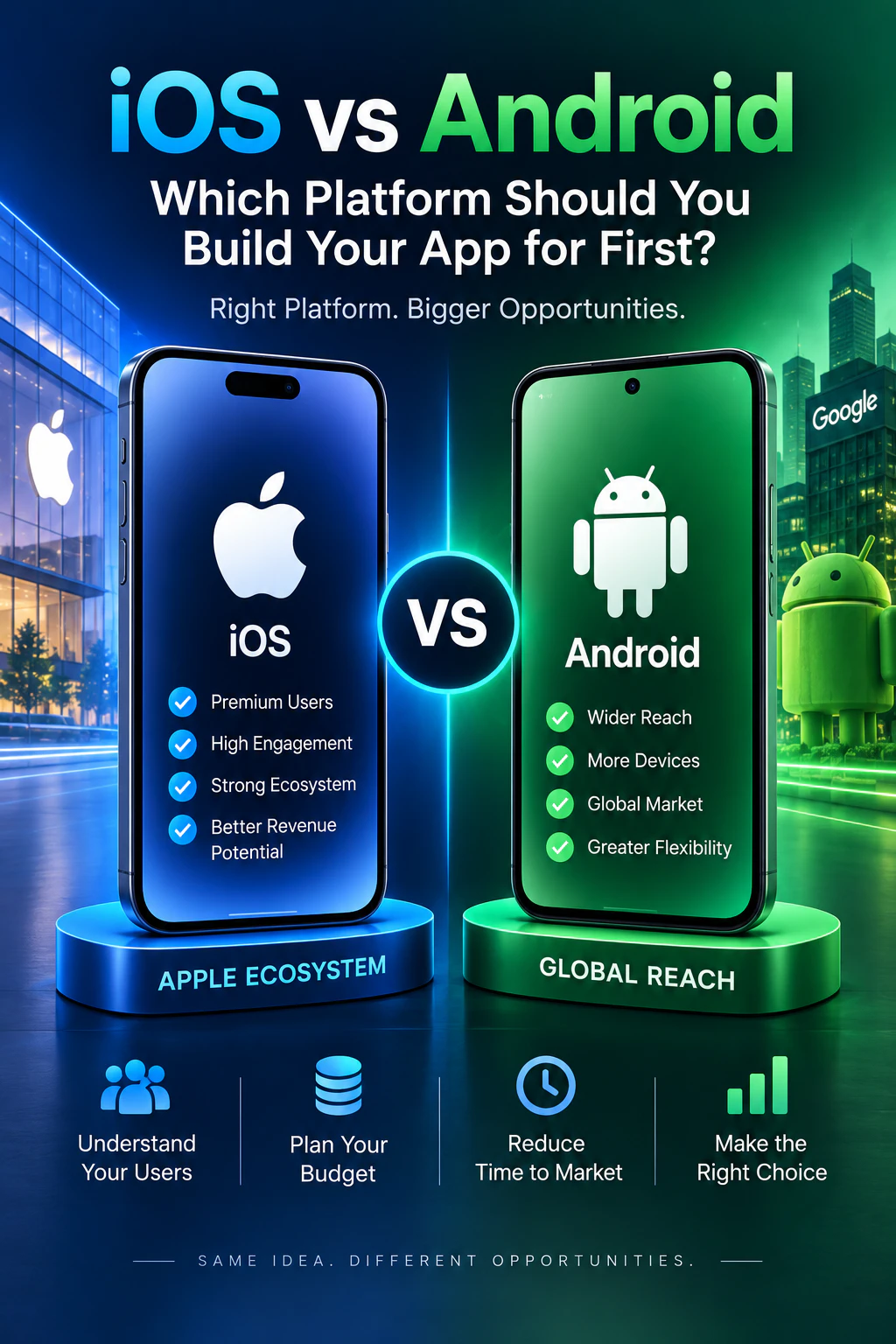
What Is iOS App Development?
iOS app development involves building applications for Apple devices such as the iPhone and iPad.
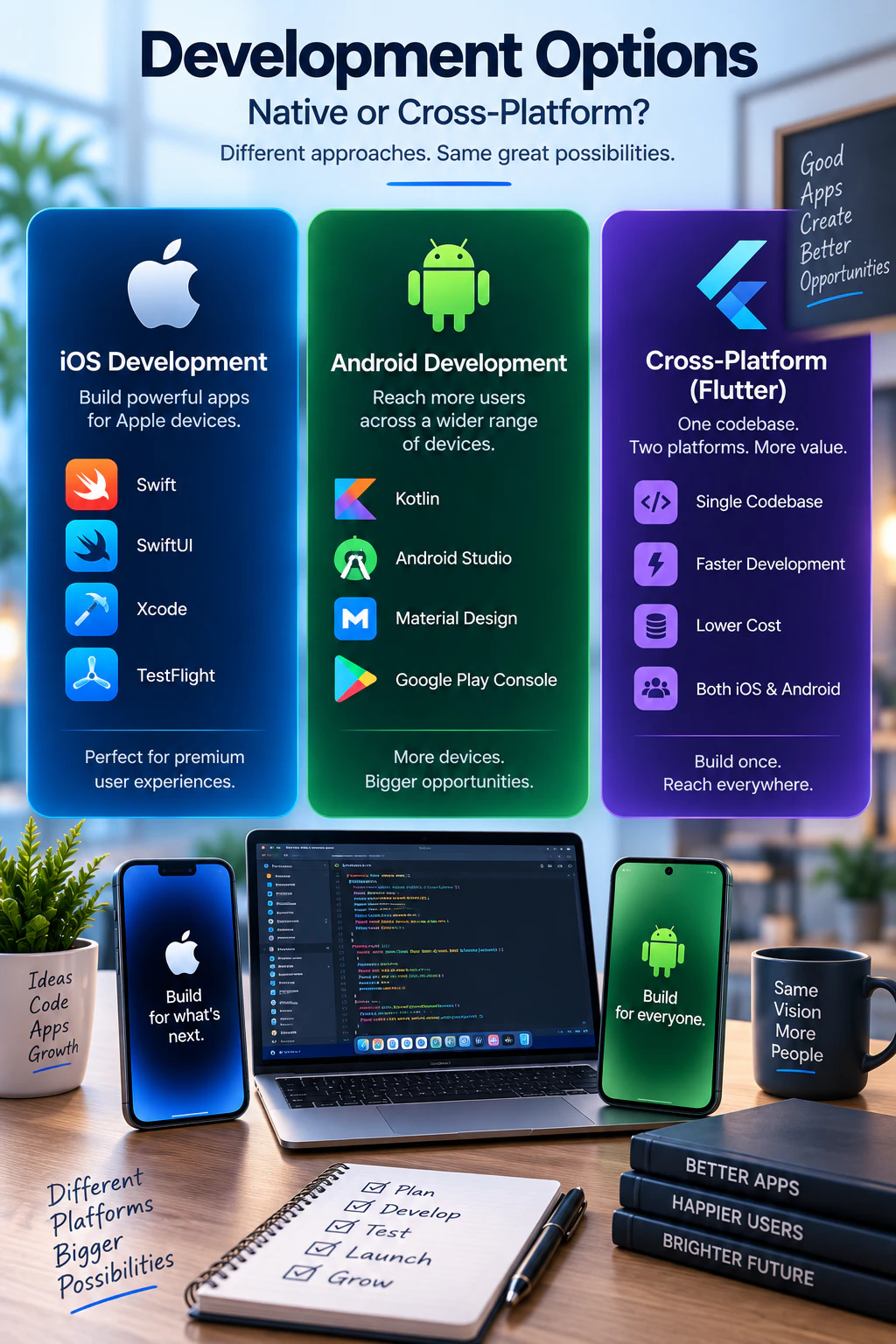
Native iOS applications are commonly developed using:
- Swift
- SwiftUI
- Apple\x27s iOS SDKs
- Xcode
- TestFlight for testing and beta distribution
iOS development provides direct access to Apple\x27s platform features and allows developers to create applications specifically optimized for Apple devices.
Typical iOS projects include business applications, consumer apps, marketplaces, IoT companion apps, booking platforms, internal tools, and connected-device applications. Explore our dedicated iOS app development services for custom Apple ecosystem solutions.
What Is Android App Development?
Android app development involves creating applications for smartphones, tablets, and other devices running Android.
Modern native Android development commonly uses:
- Kotlin
- Android SDK
- Android Studio
- Material Design
- Google Play Console
One major characteristic of Android is the wide range of devices available from different manufacturers.
This provides businesses with access to a broad device ecosystem, but it also means developers need to consider different screen sizes, hardware configurations, and Android versions during testing. Learn more about our native Android app development services.
iOS vs Android App Development: Quick Comparison
Here is a side-by-side comparison of the two primary mobile operating systems:
| Factor | iOS | Android |
|---|---|---|
| Primary native language | Swift | Kotlin |
| Main development environment | Xcode | Android Studio |
| Main distribution platform | Apple App Store | Google Play |
| Device ecosystem | More controlled | Very broad |
| Device variety | Lower (Apple hardware only) | Higher (multiple manufacturers) |
| Platform owner | Apple | |
| UI approach | Human Interface Guidelines / SwiftUI | Material Design / Android UI |
| Beta testing | TestFlight | Google Play testing tracks |
| Cross-platform option | Flutter | Flutter |
Both platforms are capable of supporting professional applications. The important question is which platform better matches your particular customers and product.
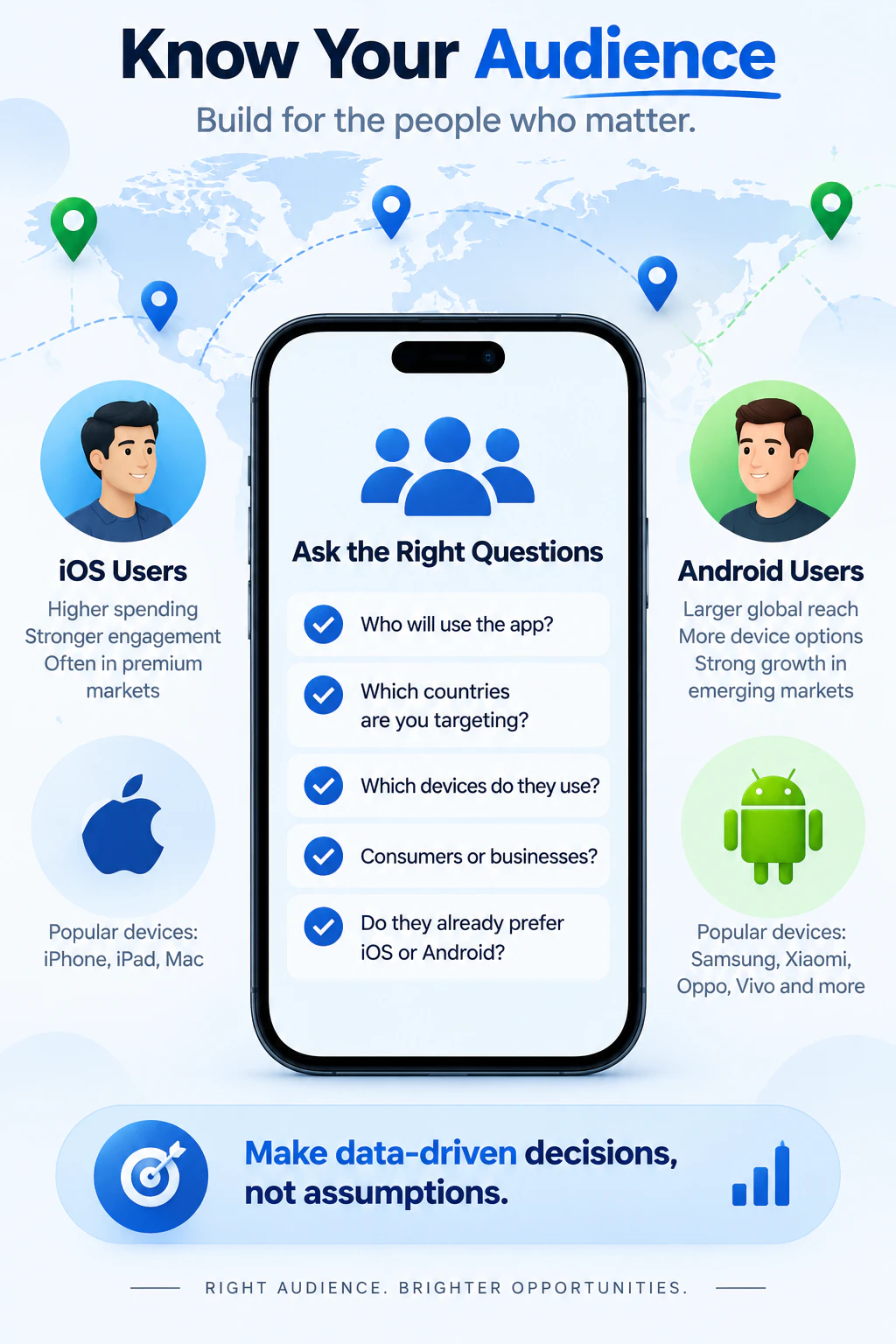
1. Start With Your Target Audience
Your users should be the biggest factor in deciding which platform to build for first.
Before development starts, ask:
- Who will use the application?
- Which countries are you targeting?
- Which devices do your customers use?
- Is the app for consumers or businesses?
- Will employees use company-provided devices?
- Does your existing customer base already favor one platform?
If most of your intended users have iPhones, launching on iOS first may make sense.
If your target audience primarily uses Android devices, Android should naturally receive priority.
Avoid choosing a platform simply because you personally prefer iPhone or Android.
Build for your users, not for your own phone.
2. Consider Your Development Budget
Budget is another important consideration.
If you develop two completely separate native applications, you may need:
- Native iOS development
- Native Android development
- Separate testing
- Platform-specific maintenance
- Separate release processes
For businesses with a limited initial budget, launching on one platform first can reduce the size of the first development phase.
Another option is using a cross-platform framework such as Flutter. Flutter allows much of the Android and iOS application to share the same codebase, which can reduce duplicated development effort.
3. Think About Development Time
If getting to market quickly is important, developing one platform first can simplify the initial release.
For example, a startup might follow this validation cycle:
Build → launch → collect feedback → improve the product → expand to the second platform.
This approach can be useful for an MVP because you can validate the core idea before investing in every possible platform.
However, if both Android and iOS users are important from day one, developing both simultaneously — particularly using a cross-platform approach — may make more sense.
4. Device Compatibility
Apple controls both the hardware and operating system for iPhones and iPads. This creates a relatively controlled device ecosystem.
Android is different. Android applications may run across devices from many manufacturers with different:
- Screen sizes
- Resolutions
- Hardware capabilities
- Android versions
- Manufacturer customizations
This does not make Android development a bad choice. It simply means device compatibility and testing need careful attention.
A professional Android application should be tested across the device profiles that matter to its intended users.
5. User Interface and User Experience
Both platforms have their own design conventions.
iOS users are accustomed to Apple\x27s navigation patterns and interface behavior, while Android applications commonly follow Google\x27s Material Design principles and Android interaction patterns.
A good application should feel natural on the platform where it is running.
If you develop native applications, the interface can be highly customized for each operating system.
With Flutter, businesses can maintain a consistent brand and user experience while still adapting important behavior for Android and iOS.
6. App Store vs Google Play
Distribution is another important consideration.
iOS applications are generally distributed through the Apple App Store, while Android applications are commonly distributed through Google Play.
Both ecosystems have requirements relating to areas such as:
- Application signing
- Privacy
- Permissions
- Store listing information
- Screenshots and assets
- Application functionality
- Payments
- User data
- Testing and quality
Store requirements can change over time, so submission should be treated as part of the development process rather than something considered only after the app is finished.
7. Native Development vs Cross-Platform Development
Choosing between Android and iOS is not always a strict either-or decision.
Businesses can develop separate native applications:
- iOS → Swift / SwiftUI
- Android → Kotlin
Or they can use a cross-platform framework such as:
- Flutter → Dart → Android + iOS
Flutter can be especially useful when both platforms require largely the same features and business logic.
For example, an application with user accounts, product listings, dashboards, API integration, notifications, booking functionality, e-commerce features, or BLE device controls may be a strong candidate for cross-platform development.
8. What About Performance?
Both native and well-designed cross-platform applications can provide excellent performance.
Native development gives developers direct access to the operating system\x27s APIs and platform-specific capabilities. This can be valuable for applications that require extensive integration with specific device features.
For many business applications, however, performance is influenced just as much by application architecture, backend performance, API design, database efficiency, image optimization, and overall implementation quality.
The technology choice should therefore be based on the actual requirements rather than assuming that one platform is automatically faster for every project.
9. iOS vs Android for IoT Applications
The platform decision becomes especially interesting when the mobile app communicates with physical hardware.
An IoT companion application might communicate with:
- ESP32 devices
- BLE sensors
- Wi-Fi products
- Smart-home equipment
- Vehicle electronics
- Industrial controllers
- Wearables
- Monitoring systems
In these projects, the development team must consider more than the interface. The app may need to handle:
- Bluetooth Low Energy communication
- Wi-Fi provisioning
- Device discovery
- Pairing
- Authentication
- Real-time sensor data
- Device commands
- Cloud synchronization
- Firmware-related workflows
- Reconnection behavior
Both Android and iOS support connected-device applications, but Bluetooth, permissions, background behavior, and platform APIs can behave differently. Testing on real devices is particularly important for this type of application — see our work with connected devices in our portfolio.
10. Should a Startup Build iOS or Android First?
For a startup, the answer should come from the product strategy.
- Choose iOS first when your initial target customers predominantly use Apple devices and you want to concentrate resources on that audience.
- Choose Android first when Android represents the larger or more important part of your target market.
- Choose both when customers on both platforms are important and the budget supports simultaneous development.
- Choose a cross-platform solution such as Flutter when the features are suitable for shared development and you want to reduce duplicated effort between Android and iOS.
When Should You Build iOS First?
iOS may be the right first platform when:
- Your target users predominantly own iPhones.
- Your company already operates within the Apple ecosystem.
- Your first customer or business partner specifically requires iOS.
- The product relies heavily on Apple-specific functionality.
- You want to validate the application with an iOS-focused audience first.
The key is having a business reason for the decision.
When Should You Build Android First?
Android may be the better starting point when:
- Most of your target customers use Android devices.
- Your product needs to support a broad range of smartphones.
- Your first customers specifically require Android.
- Your organization already uses Android devices.
- Android is strategically more important in your target market.
Again, audience data should guide the decision.
When Does Flutter Make Sense?
Building for both platforms from the beginning can make sense when excluding either group would significantly limit your product. This is common for:
- Consumer applications
- E-commerce apps
- Marketplaces
- Booking platforms
- Social applications
- IoT products sold to general consumers
- SaaS companion apps
A cross-platform framework like Flutter can make simultaneous development practical and cost-effective for many of these products.
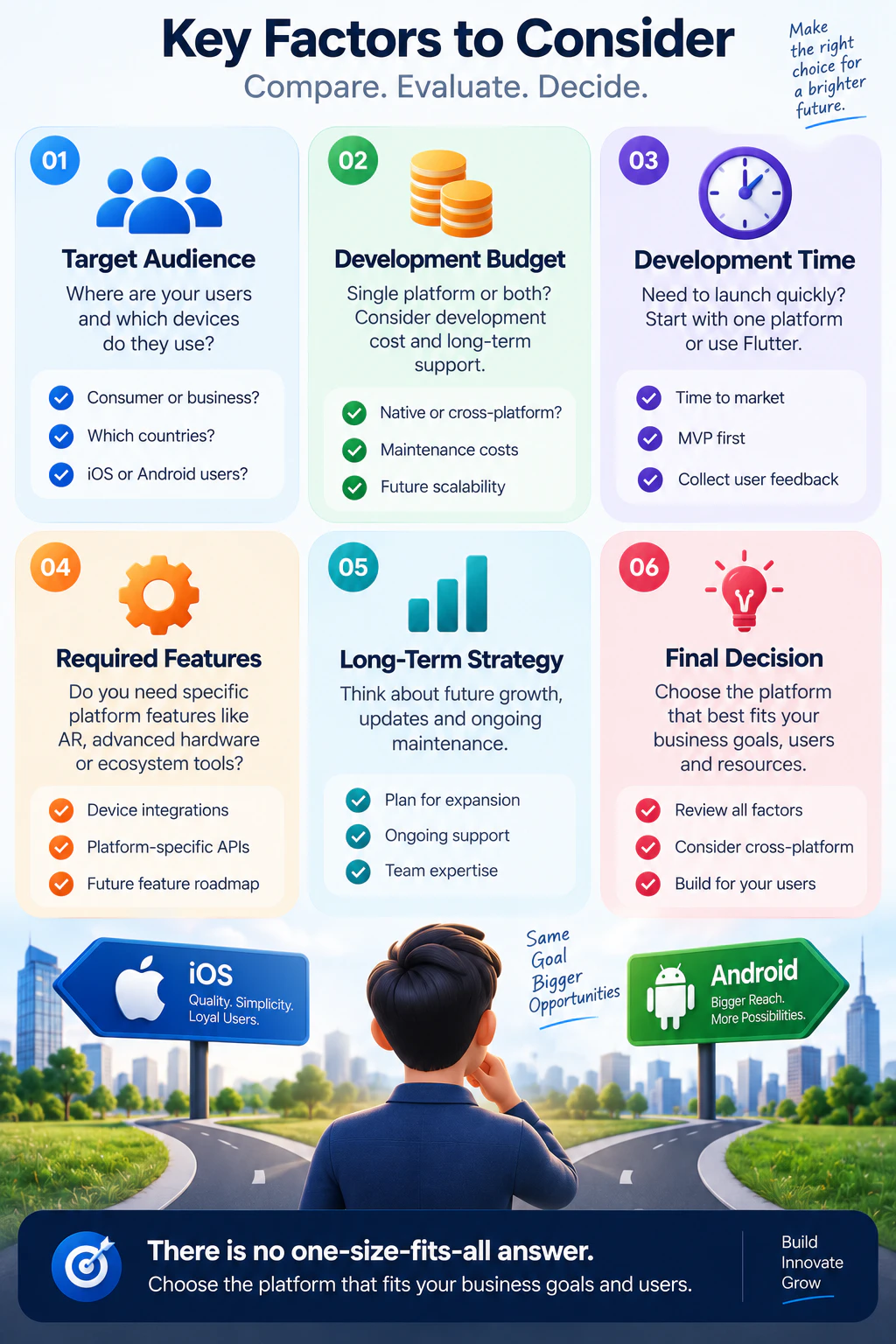
Key Factors to Consider Before Choosing
Before making your final choice, evaluate these six essential decision factors:
- Target Audience: Where are your users and which devices do they use? Are they consumers or enterprise clients, and in which regions?
- Development Budget: Can your resources support two native teams and separate maintenance, or is a single platform or cross-platform Flutter app more sensible?
- Development Time: How urgently do you need to launch? Starting with one platform or Flutter drastically shortens time to market.
- Required Features: Does your app rely on specialized Apple-only or Android-only hardware APIs, or can shared standard APIs deliver the experience?
- Long-Term Strategy: Plan ahead for operating system upgrades, ongoing feature parity, and team maintenance overhead.
- Final Decision: Review all factors holistically. Choose the approach that serves your users and business goals — not personal phone preference.
iOS vs Android: Which Should You Choose?
Neither platform is universally better.
The best choice is the one that matches your users, product requirements, budget, and business strategy.
For some businesses, iOS first → validate → Android later will be the most efficient approach. For others, Android first → validate → iOS later will make more sense. And for businesses that need both audiences, Flutter → Android + iOS provides an efficient cross-platform development path.
The technology should support the business strategy — not dictate it.
How Pak IT Corner Can Help
At Pak IT Corner, we develop mobile applications for businesses, startups, and connected products based on product requirements rather than forcing a single technology stack.
Our mobile development capabilities include:
- Native iOS development with Swift and SwiftUI
- Native Android development with Kotlin
- Flutter and Dart cross-platform development
- REST and GraphQL API integration
- Backend and cloud integration
- BLE and Wi-Fi communication
- IoT companion applications
- Push notifications
- In-app functionality
- Application testing
- App Store and Google Play deployment support
For projects involving connected hardware, we can also integrate the application with devices such as ESP32-based products, BLE peripherals, Wi-Fi systems, sensors, and custom electronics — explore our portfolio to see our end-to-end work.
Frequently Asked Questions
Is iOS better than Android for a new app?
Not automatically. The better platform depends on your target users, required features, budget, and launch strategy.
Is Android app development more difficult because there are more devices?
Android has a broader device ecosystem, so compatibility testing can require additional attention. Good application architecture and testing help manage this effectively.
Can I develop Android first and add iOS later?
Yes. Many businesses launch on one platform, validate the product, and then expand to the second.
Can one application be developed for both Android and iOS?
Yes. Frameworks such as Flutter allow developers to share much of the application\x27s code between Android and iOS.
Should I use Flutter instead of building two native apps?
Flutter can be a strong option when both applications require similar functionality. Native development may be preferable when extensive platform-specific functionality is required.
Can Android and iOS apps connect to IoT hardware?
Yes. Both platforms can communicate with connected devices using technologies such as BLE and Wi-Fi. The implementation and permissions can differ between platforms.
Ready to Build Your Mobile App?
If you\x27re planning a mobile application but aren\x27t sure whether to start with iOS, Android, or both, Pak IT Corner can help evaluate the technical requirements and choose an appropriate development approach.
A successful mobile product doesn\x27t begin with choosing a programming language. It begins with understanding who will use the application, what problem it solves, and what technology can deliver that solution reliably.